




—
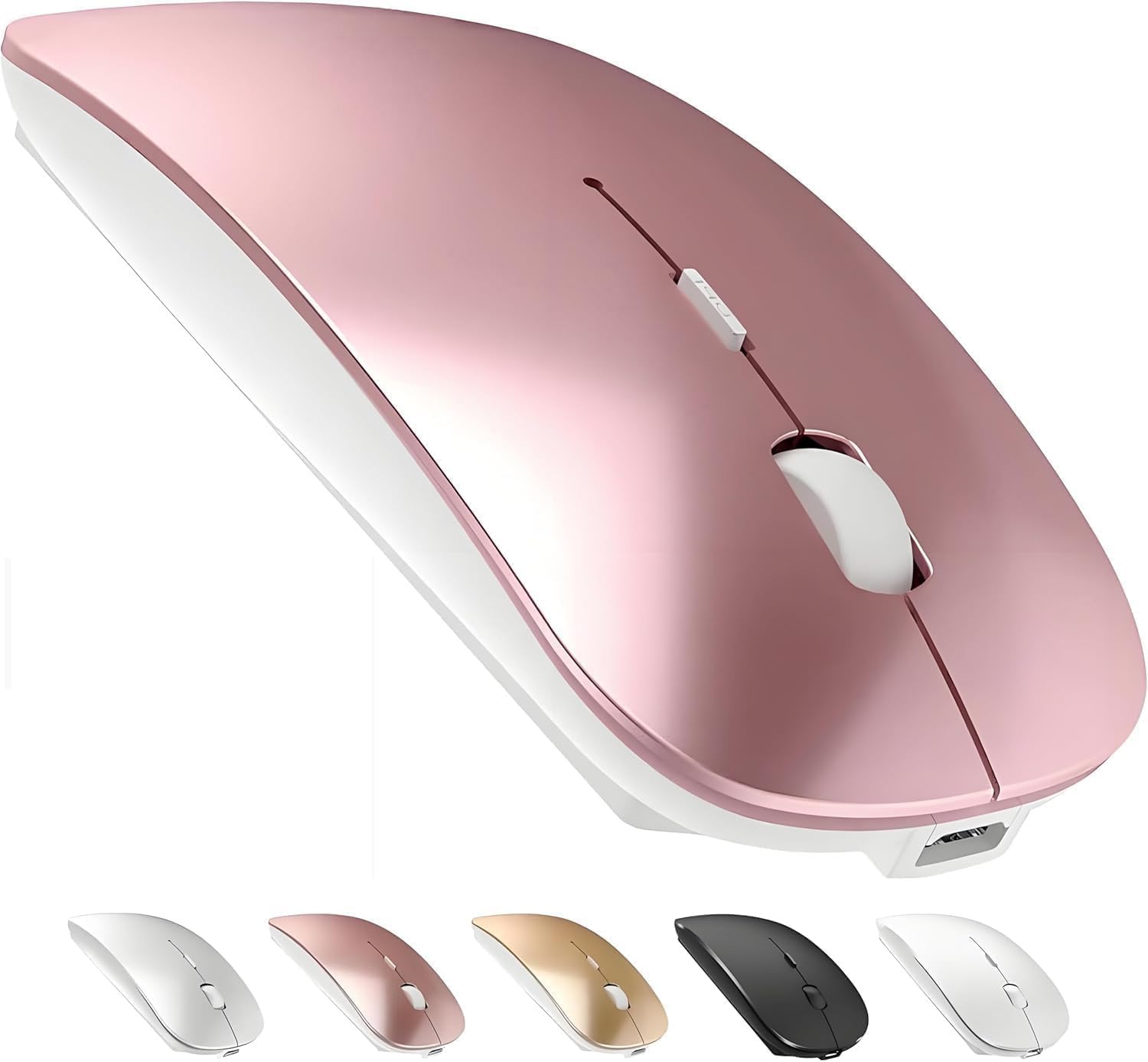
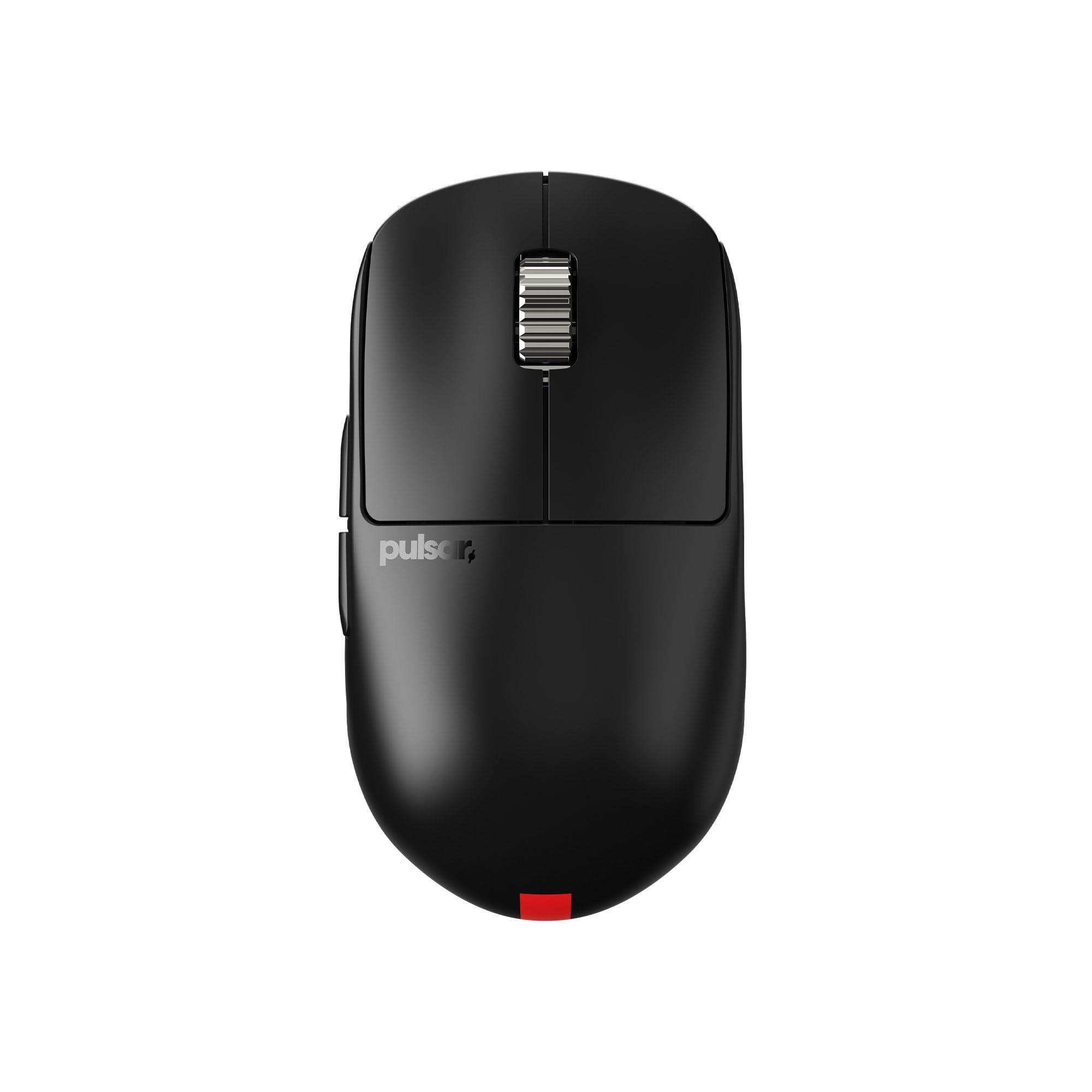
ZERU Bluetooth Mouse Rechargeable Wireless Mouse for Notebook ï¼Å’Bluetooth Wireless Mouse for Laptop PC Conputer (Rose Gold)
درباره این محصول
- Rechargeable Optical Wireless Mouse Built-in durable 500mAh lithium rechargeable battery can last up to 500 hours after fully charged, and standby time is super long with auto sleep and wake mode. Easily recharged through the included USB cable, no need to change the battery.
- BEST COMPATIBLE BLUETOOTH 4.0 CHIP] - Compatible with more than 99% Bluetooth devices. Connect iPad 10.2 2019, iPad 9.7 Inch 2018, iPad 9.7 2017, iPad Pro 12.9" / 11.0" / 10.5"/ 9.7", iPad Air 10.5 / Air 2, iPad mini 5/ 4, iPhone 11 Pro Max, iPhone 11 Pro, iPhone 11, iPhone Xs Max etc.( Note: Updated System to iPadOS 13 and iOS 13 or above, and Turn on the "Assistive Touch" ) PC, Macbook pro air 2012/..
- Skin-Friendly for Comfort Silent click Mouse with classic design with anti-fingerprint finish offers your hand maximum support and comfort. The sturdy anti-slip rubber scroll wheel ensures that your hand will not slip when scrolling.
- NOISE FREE Quiet click sound when pressing buttons, which makes you away from worrying about bothering others, especially at home while other family members having rest, so that you can stay focused on your work.
- QUALITY GUARANTEE : One year quality warranty for this bluetooth mouse from ZERU
- برند
- ZERU
- شناسه (ASIN)
- B07K273XVV
درباره این محصول
- Rechargeable Optical Wireless Mouse Built-in durable 500mAh lithium rechargeable battery can last up to 500 hours after fully charged, and standby time is super long with auto sleep and wake mode. Easily recharged through the included USB cable, no need to change the battery.
- BEST COMPATIBLE BLUETOOTH 4.0 CHIP] - Compatible with more than 99% Bluetooth devices. Connect iPad 10.2 2019, iPad 9.7 Inch 2018, iPad 9.7 2017, iPad Pro 12.9" / 11.0" / 10.5"/ 9.7", iPad Air 10.5 / Air 2, iPad mini 5/ 4, iPhone 11 Pro Max, iPhone 11 Pro, iPhone 11, iPhone Xs Max etc.( Note: Updated System to iPadOS 13 and iOS 13 or above, and Turn on the "Assistive Touch" ) PC, Macbook pro air 2012/..
- Skin-Friendly for Comfort Silent click Mouse with classic design with anti-fingerprint finish offers your hand maximum support and comfort. The sturdy anti-slip rubber scroll wheel ensures that your hand will not slip when scrolling.
- NOISE FREE Quiet click sound when pressing buttons, which makes you away from worrying about bothering others, especially at home while other family members having rest, so that you can stay focused on your work.
- QUALITY GUARANTEE : One year quality warranty for this bluetooth mouse from ZERU
مشخصات فنی(۳۹ مورد)
| Brand | ZERU |
|---|---|
| Colour | Rose Gold |
| Connectivity technology | Bluetooth |
| Special features | Wireless |
| Movement detection technology | Optical |
| Connectivity Technology | Bluetooth |
| Additional Features | Wireless |
| Movement Detection | Optical |
| Button Quantity | 1 |
| Hand Orientation | Ambidextrous |
| Compatible Devices | Personal Computer |
| Operating System | Linux |
| Battery Average Life | 500 Hours |
| Number of Batteries | 1 A batteries required. (included) |
| Hardware Platform | Laptop, PC, Tablet |
| Power Source | Battery Powered |
| Mouse Maximum Sensitivity | 1600 Dots per Inch |
| Minimum Required Operating System Version | Windows XP |
| Embellishment Feature | Logo |
| Range | 15 |
| Item Weight | 3.17 Ounces |
| Item Dimensions L x W | 10.4L x 5.8W centimeters |
| Unit Count | 1.0 Count |
| Model Name | 8541646107 |
| Antenna Location | Office, General Computing |
| Model Number | ZE689 |
| Included Components | batteries |
| Are Batteries Included | Yes |
| Are Batteries Required | Yes |
| Manufacturer | ZERU |
| Mfr Part Number | 7545784673 |
| Best Sellers Rank | #20,401 in Computers (See Top 100 in Computers) #567 in Computer Mice |
| ASIN | B07K273XVV |
| Customer Reviews | 4.2 4.2 out of 5 stars (27,464) 4.2 out of 5 stars |
| Color | Rose Gold |
| Style Name | Modern |
| Theme | Tech or Electronics |
| Enclosure Material | Plastic |
| Finish | anti-fingerprint |
امکانات
اطلاعاتی برای این بخش ثبت نشده است.
توضیحات محصول
Support system: Windows Vista, Windows XP, Windows7 / 8 / 10, Linux, Android, Mac OS X (compatible with imac one machine / macbook / macbook air / mac mini, not compatible macbook pro / ipad / iphone)* Bluetooth version: Bluetooth 4.0* Photoelectric resolution: 3 adjustable DPI level (1000 / 1200 / 1600DPI)* Built in rechargeable battery: 1000mAh (lithium polymer battery, long cycle life)* Tracking system: optics* Number of keys: 4 (key)* Operating distance: 15 m* Size: 4.4 x 2.3 x 0.8 inches* Weight: 3.18 ozHow to use the Bluetooth mouse:1. Charge for 2 hours before first use,the blue light is on when charging, the blue light is automatically extinguished when fully charged,pairing open the Bluetooth mouse (switch to "on"position), press the black circle "Bluetooth connection button"More than 3 seconds.2. Turn on the computer Bluetooth or toward the Bluetooth signal in the bottom right corner of the computer screen. Right click to select "add device", then the Bluetooth will enter the search state. (Note: Bluetooth normally has a Bluetooth logo in the lower right corner of the computer, if it normally starts.)3. Wait for the computer to search interface into the Bluetooth device, the Bluetooth computer can search a mouse shape icon or "Bluetooth Mouse", that is the Bluetooth mouse, and then click next to start the match, the pairing is successful mouse begin work.Note!!√ If your device does not have Bluetooth, you need to install the Bluetooth adapter first.√ If you do not use the mouse for a long time, turn off the "ON / OFF" switch.√ In order to save battery life, please do not charge the mouse when there is electricity.√ Rarely occurs on the mouse connection problem, if the connection is not on the deletion of the current Bluetooth driver, and download the correct Bluetooth
جزئیات قیمت
مجموع این سه بخش، قیمت نهایی شماست — بدون هزینه پنهان.
محصولات مشابه
مشاهده همه