




—
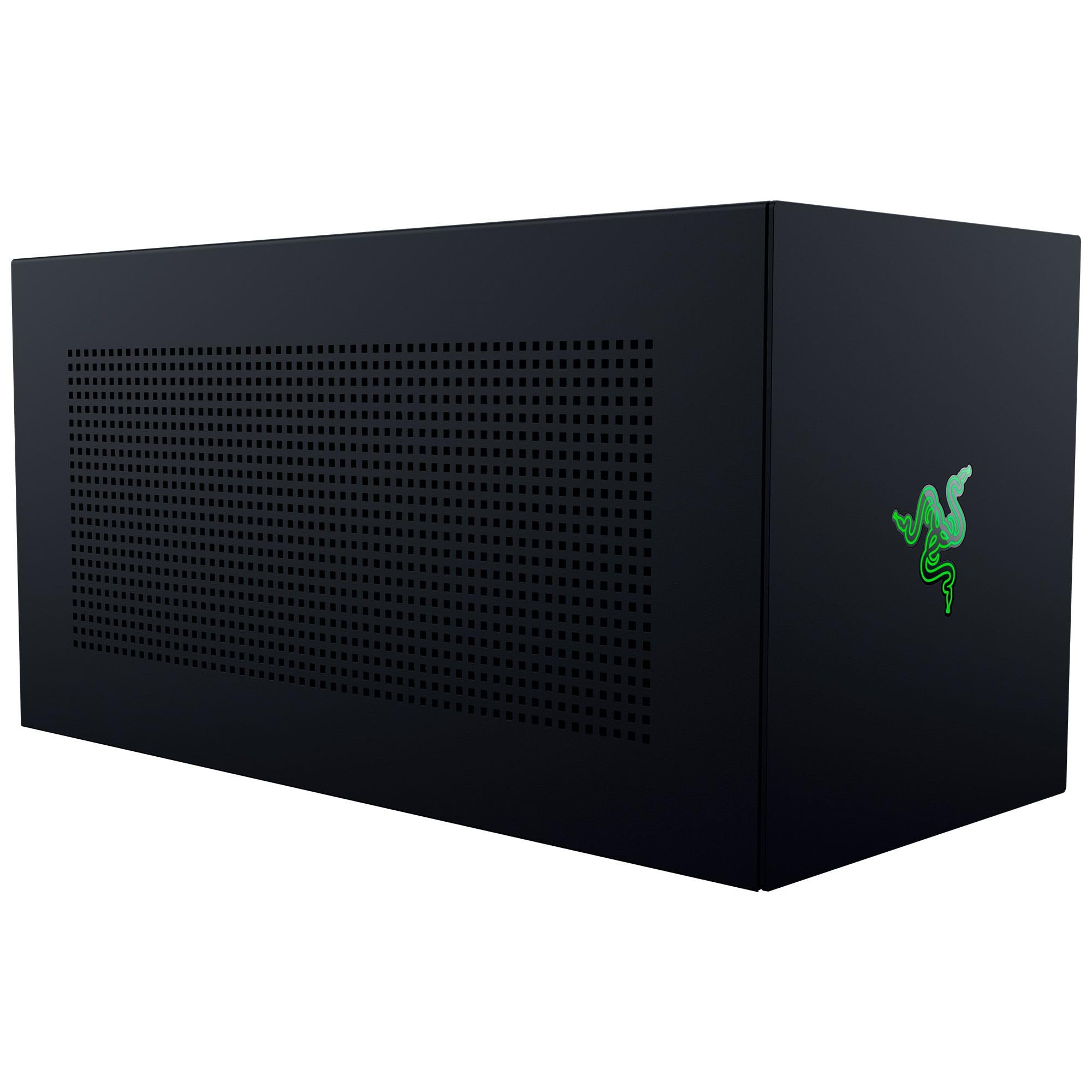
Razer Core X V2 External Graphics Enclosure (eGPU): Compatible with Windows 11 Thunderbolt 4/5 and USB 4 Laptops & Devices - 4 Slot Wide NVIDIA/AMD Graphics Cards PCIe 4.0 Support - 140W PD via USB C
درباره این محصول
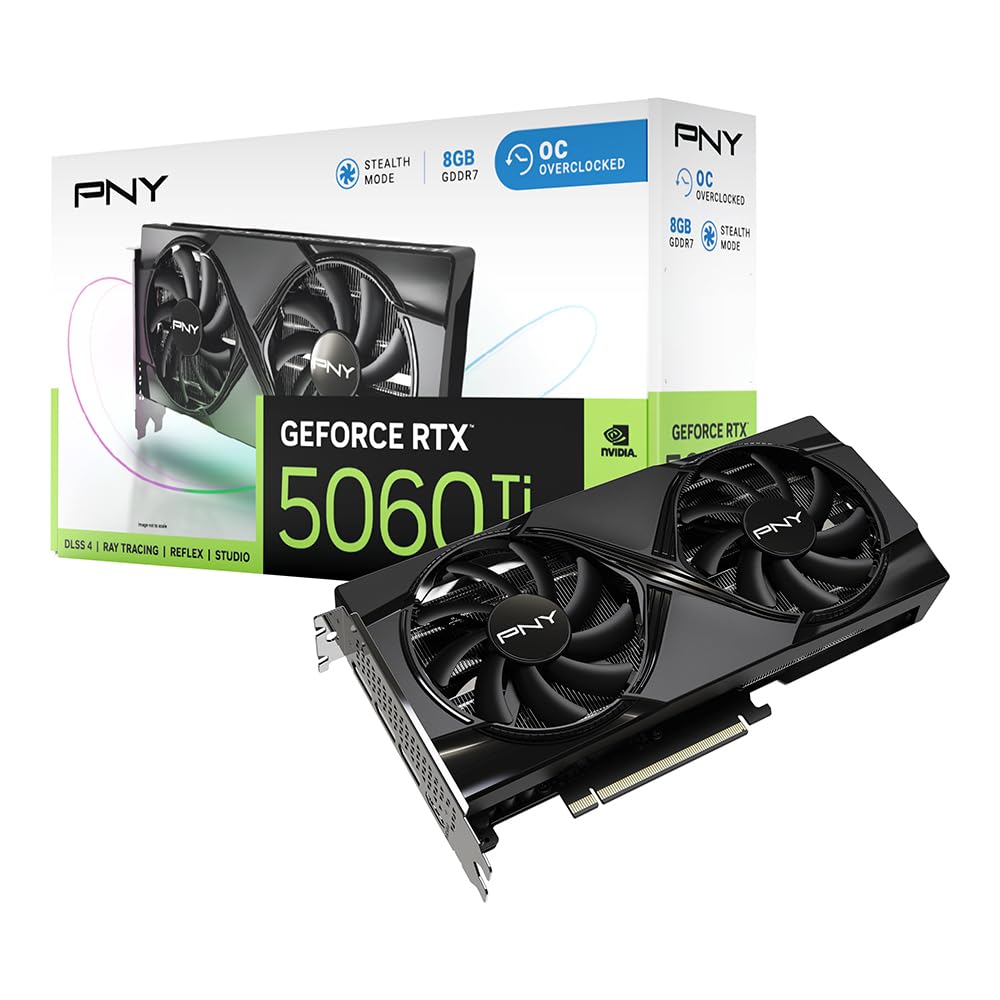
- NVIDIA & AMD DESKTOP GPU READY — Designed to fit PCIe desktop graphics cards up to 4 slots wide, give any compatible laptop a massive boost in power by connecting the latest NVIDIA GeForce and AMD Radeon GPUs (GPU & power supply not included)
- NEXT-GEN THUNDERBOLT 5 PERFORMANCE — Featuring an ultra-fast bandwidth of up to 80 Gbps, enjoy the smoothest performance with a Thunderbolt 5 connection that easily manages the most demanding creative apps and AAA games
- MULTI-DEVICE COMPATIBILITY — From Thunderbolt 4 and Thunderbolt 5 laptops to USB 4 gaming handhelds, integrate the Razer Core X V2 to seamlessly turn compatible devices into gaming or creative powerhouses instantly
- SIMPLE SETUP — Connect the Razer Core X V2 to a compatible device via an included Thunderbolt 5 cable to get a graphical boost when needed and simply unplug when done
- MODULAR GPU & PSU SUPPORT — Swap out to the latest GPU and ATX PSU—or upcycle an older card with PCIe Gen 4 support via easy tool-free install using included thumbscrews
- برند
- Razer
- وزن
- ۵۰۶۰ گرم
- شناسه (ASIN)
- B0FFQFDZWX
درباره این محصول
- NVIDIA & AMD DESKTOP GPU READY — Designed to fit PCIe desktop graphics cards up to 4 slots wide, give any compatible laptop a massive boost in power by connecting the latest NVIDIA GeForce and AMD Radeon GPUs (GPU & power supply not included)
- NEXT-GEN THUNDERBOLT 5 PERFORMANCE — Featuring an ultra-fast bandwidth of up to 80 Gbps, enjoy the smoothest performance with a Thunderbolt 5 connection that easily manages the most demanding creative apps and AAA games
- MULTI-DEVICE COMPATIBILITY — From Thunderbolt 4 and Thunderbolt 5 laptops to USB 4 gaming handhelds, integrate the Razer Core X V2 to seamlessly turn compatible devices into gaming or creative powerhouses instantly
- SIMPLE SETUP — Connect the Razer Core X V2 to a compatible device via an included Thunderbolt 5 cable to get a graphical boost when needed and simply unplug when done
- MODULAR GPU & PSU SUPPORT — Swap out to the latest GPU and ATX PSU—or upcycle an older card with PCIe Gen 4 support via easy tool-free install using included thumbscrews
- VENTED STEEL CHASSIS WITH ACTIVE COOLING — Sustain maximum performance with a built-in 120 mm fan that automatically ramps up during heavy loads or customize the fan curve
- Graphics card and power supply sold separately
- Mac devices with M1 or later chipsets do not support eGPUs
مشخصات فنی(۳۱ مورد)
| Brand | Razer |
|---|---|
| Motherboard compatability | ATX |
| Case type | Desktop |
| Recommended uses for product | gaming |
| Colour | Black |
| Supported Motherboard | ATX |
| Case Type | Desktop |
| Power Supply Mounting Type | Rear Mount |
| Cooling Method | Air |
| Total Usb Ports | 1 |
| Other Special Features of the Product | 120 MM Cooling Fan, 80 Gbps, Thunderbolt 5 Compatible |
| Internal Bays Quantity | 4 |
| Compatible Devices | Windows 11 Laptops & Devices with Thunderbolt 4, 5, or USB 4 |
| Number of Fans | 1 |
| Color | Black |
| Enclosure Material | Alloy Steel |
| Antenna Location | gaming |
| Item Weight | 5.06 Kilograms |
| Item Dimensions D x W x H | 42.1D x 19.7W x 21.6H centimeters |
| Model Name | Razer Core X V2 |
| Number of Packs | 1 |
| Number of Items | 1 |
| Unit Count | 1 Count |
| Manufacturer | Razer |
| UPC | 810056141431 |
| Model Number | RC21-02270200-R3U1 |
| Mfr Part Number | RC21-02270200-R3U1 |
| Best Sellers Rank | #5,083 in Videogames (See Top 100 in Videogames) #1,069 in PC Accessories |
| ASIN | B0FFQFDZWX |
| Customer Reviews | 4.0 4.0 out of 5 stars (87) 4.0 out of 5 stars |
| GTIN | 810056141431 |
امکانات
اطلاعاتی برای این بخش ثبت نشده است.
توضیحات محصول
The Razer Core X V2 graphics enclosure turns compatible Thunderbolt 5, Thunderbolt 4 or USB 4 Windows laptops and compatible gaming handhelds into desktop-class gaming or content creation powerhouses. A single provided cable to the device connects to your setup to PCIe graphics cards from NVIDIA or AMD, up to 4-slots wide and is designed to support any standard size ATX power supply you choose to install. The Thunderbolt 5 connection offers 140W power delivery to compatible laptops via USB-C and is up to double the bandwidth of Thunderbolt 4. Keeping things cool is a 120mm fan that can automatically adjust its speed based on the enclosure temperature. Advanced users can even create custom fan profiles via Razer Synapse. For best performance connect your host device your desired GPU and use an external monitor connected to the GPU as a secondary display. Updating the manufacturer graphics drivers will be your best bet to ensure the best performance. Once you connect Core X V2 to your host device no restart should be required. Unlock desktop graphics through a single cable with the ultimate external graphics enclosure. Graphics card and power supply sold separately. Mac devices with M1 or later chipsets do not support eGPUs.
محصولات مشابه
مشاهده همه